Komerční banka a.s.
texter
small team
end-to-end ux
internal tool
context.
Texter is part of the company’s internal tool ecosystem. It helps teams create and manage text keys and their language versions used across different applications. The tool is used by copywriters, analysts, developers, and designers who work with text content every day. The project began as an MVP to replace a costly external tool with features the company didn’t actually need. By building an in-house solution, the company could reduce expenses, simplify the localization process, and adapt the tool to real team needs.
my role.
I worked as the UX designer responsible for shaping the product from the early discovery phase to the final handoff. My work covered the full design process, including user research, requirement analysis, user flows, interactive prototypes, and the overall UX direction. I also collaborated on the visual design to ensure consistency with the existing design system.
Throughout the project, I closely collaborated with the product manager, analysts and developer. I gathered requirements, facilitated discussions, clarified edge cases, and actively participated in decision-making.
сhallenges & requirements.
overloaded previous tool
The external solution was cluttered with unnecessary features, lacked clarity, and caused frequent mistakes. Users struggled with navigation, inefficient search, unclear layouts, and inconsistent workflows.
MVP constraints
The project had limited time and budget, and had to rely on the existing internal design system. The MVP needed to cover the essentials: key search, key creation, jobs, and tag management.
different user roles
Analysts, copywriters, developers, and designers all used the tool differently. The challenge was to support their unique needs while keeping the UX simple, fast, and easy to understand.
need for a controlled process
The tool had to work across many teams with different habits. We introduced rules and permissions (e.g., only the creator or an admin can edit a key) to prevent accidental changes and ensure consistency.
🛠️ process.
1 / research
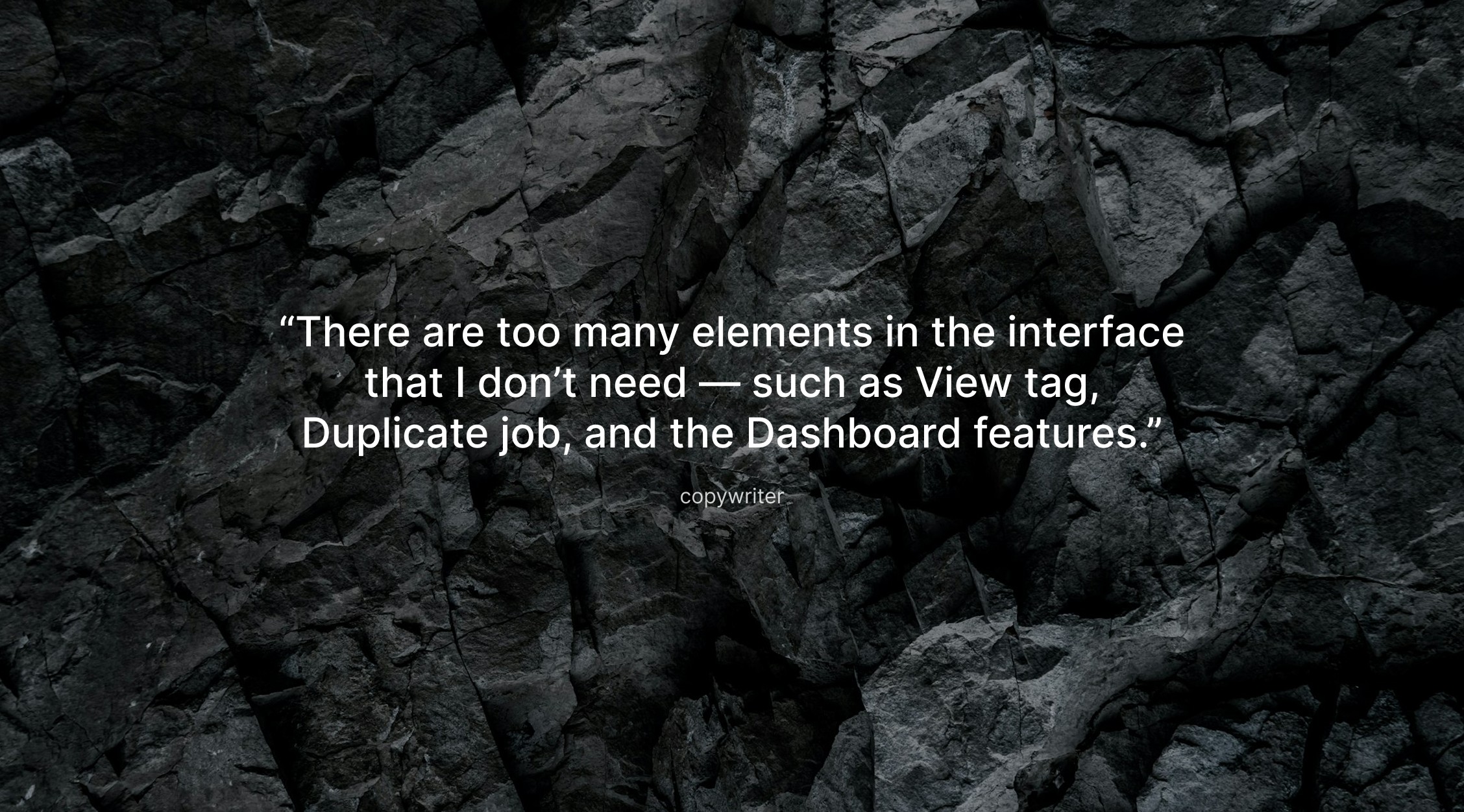
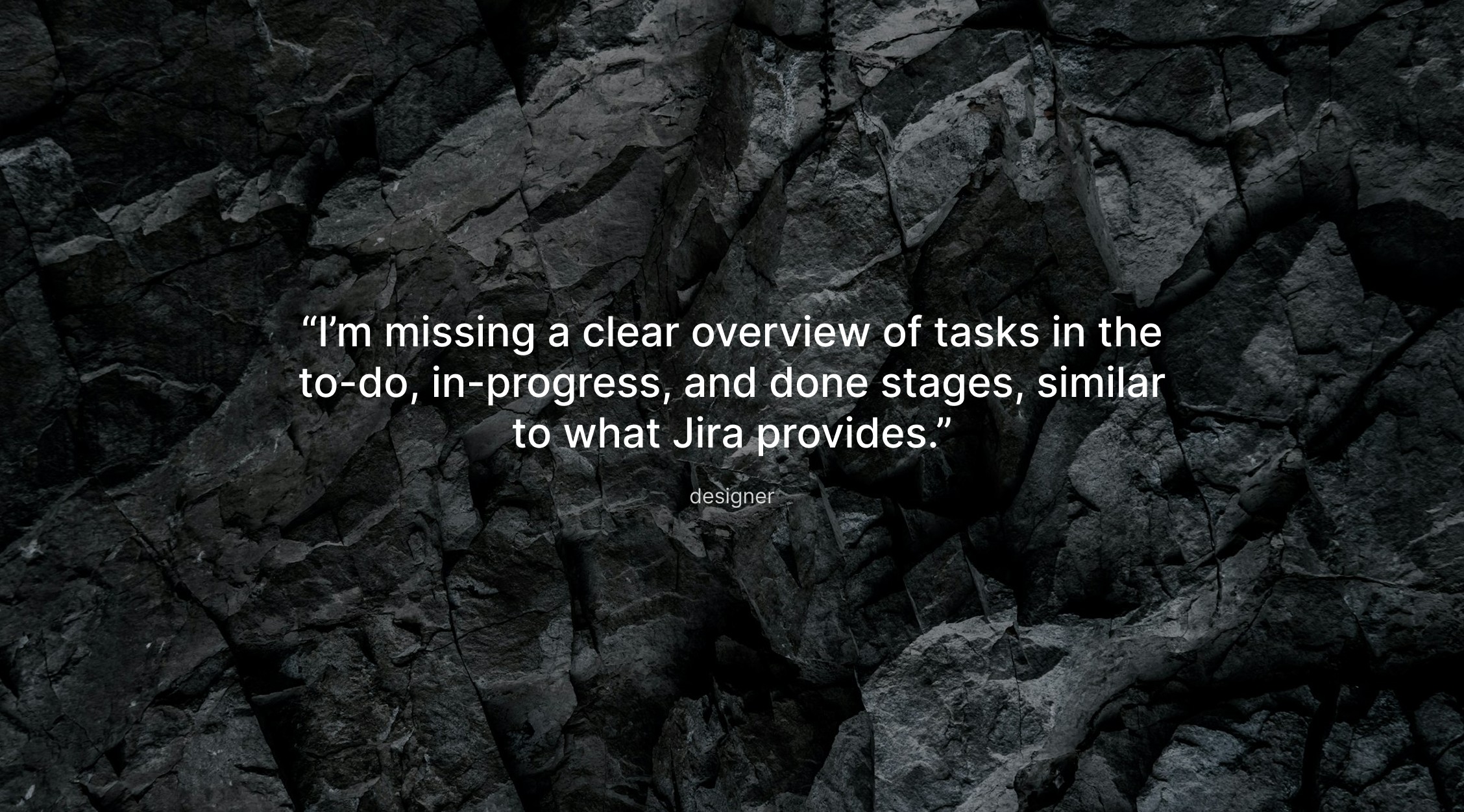
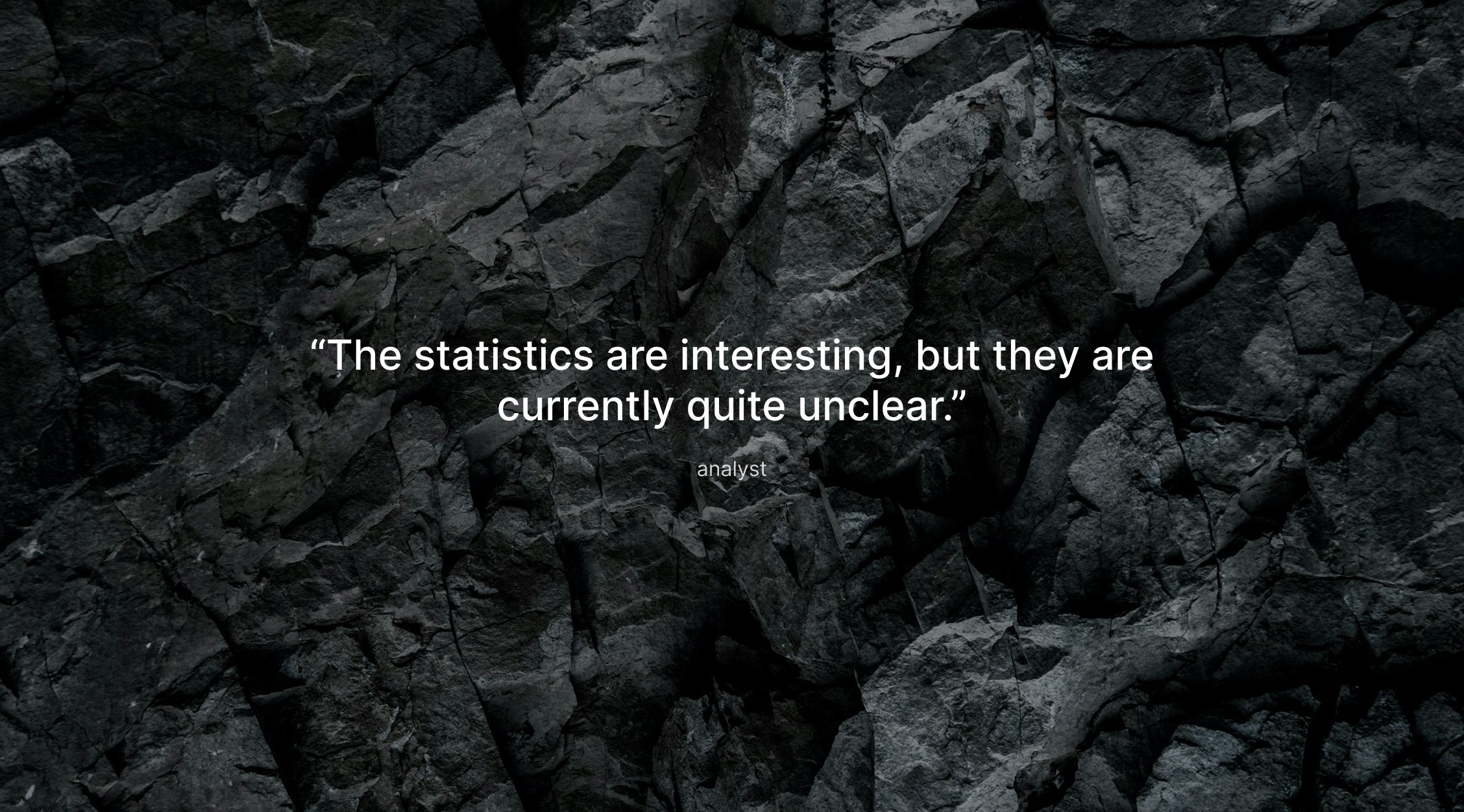
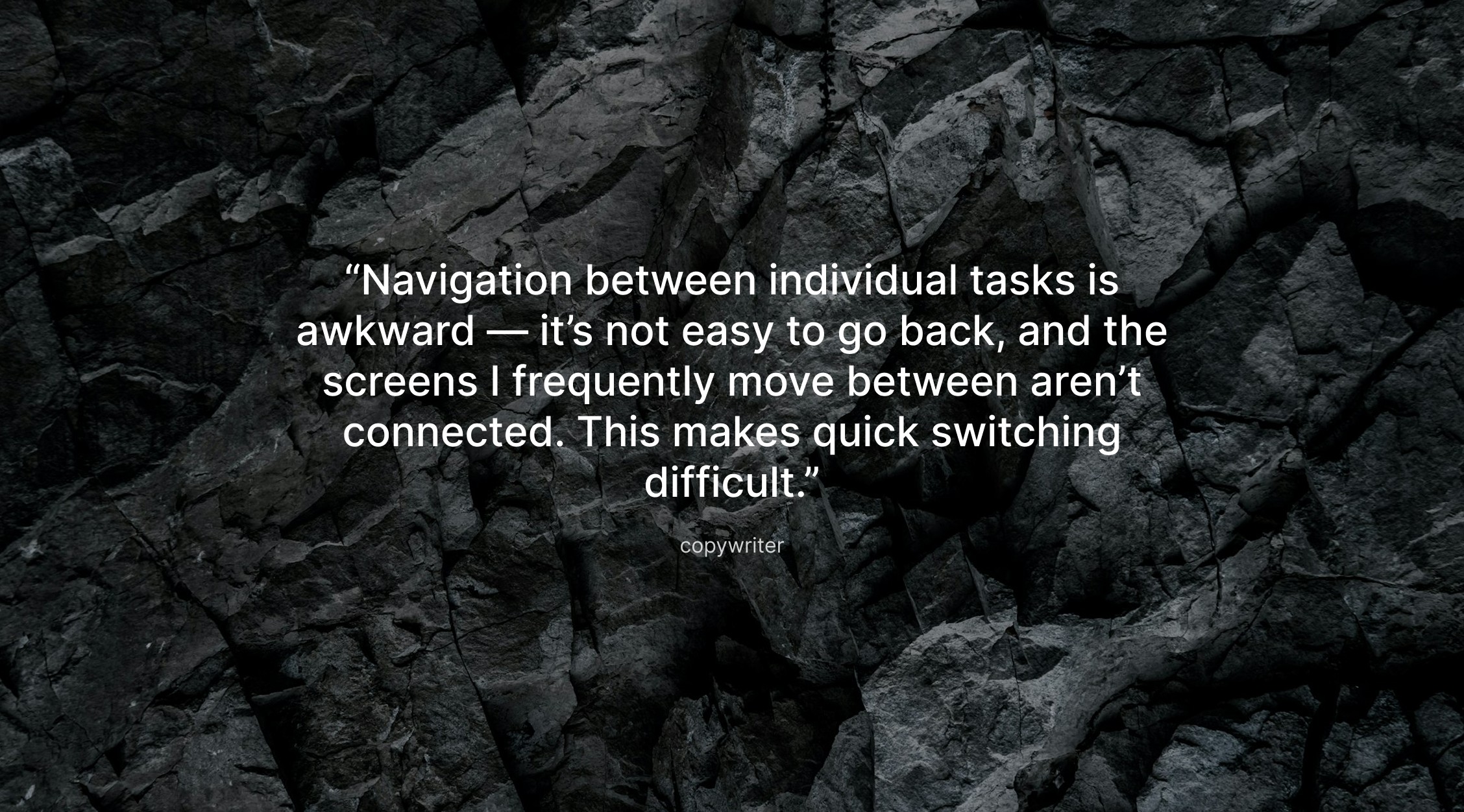
I began by interviewing colleagues from different roles and observing how they worked with text keys. I also reviewed the previous external tool to identify the main usability issues. The research revealed several issues:
2 / exploration & concepting
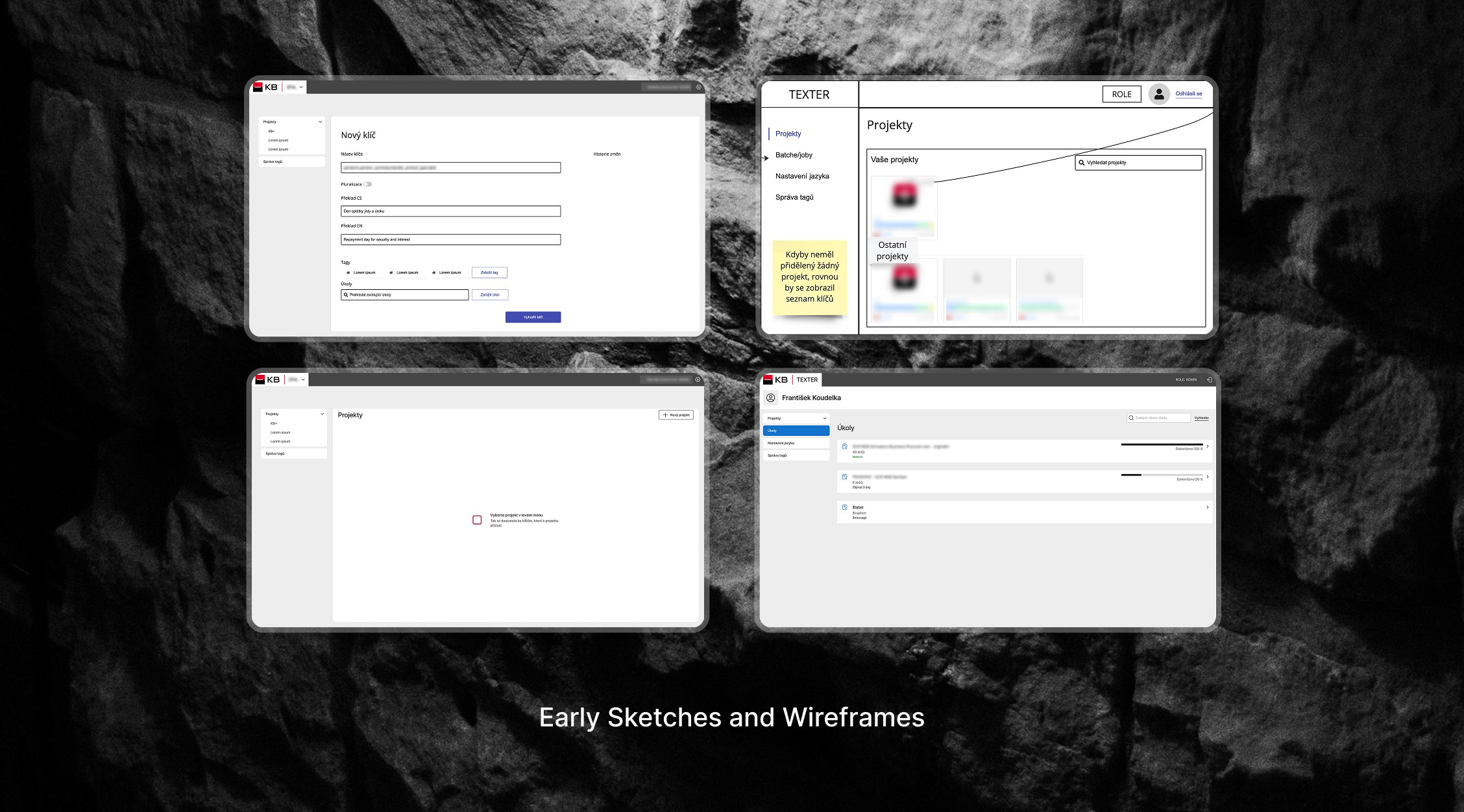
Using the research insights, I defined the structure of the application and created the main user flows. I explored different navigation options, iterated on wireframes, and refined the flows for each user role. Throughout this process I discussed decisions during design reviews and consulted with the design system team to ensure consistency and avoid unnecessary custom components.
3 / user testing
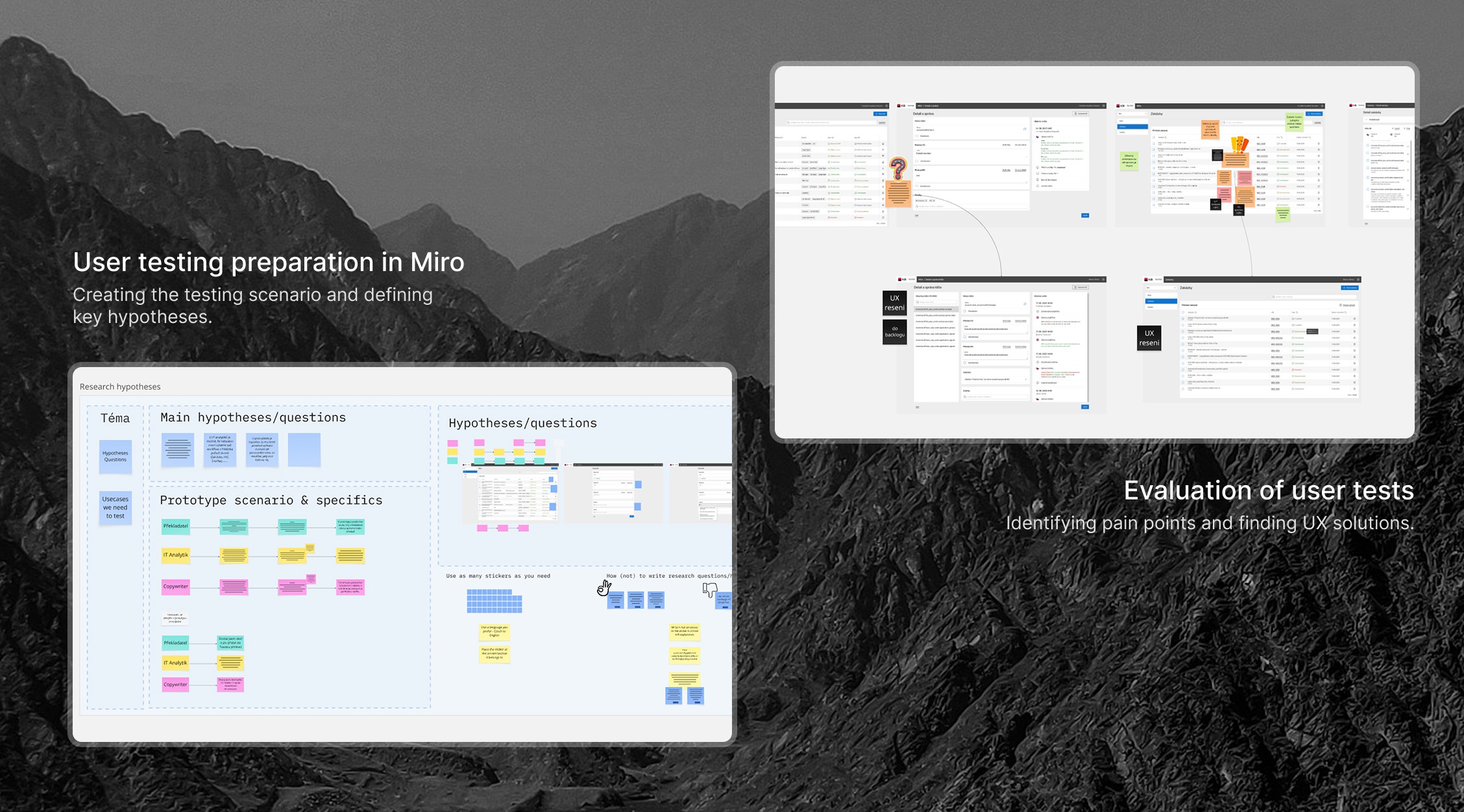
One of the biggest advantages of this project was having direct access to real users — my colleagues. This allowed me to validate ideas quickly throughout the entire design process. I used a mix of guerilla sessions, spontaneous feedback rounds, and more structured usability tests to check whether the flows were clear and easy to follow. This direct access helped me spot confusing steps early, refine navigation, and make sure the tool fit naturally into the team’s everyday work.
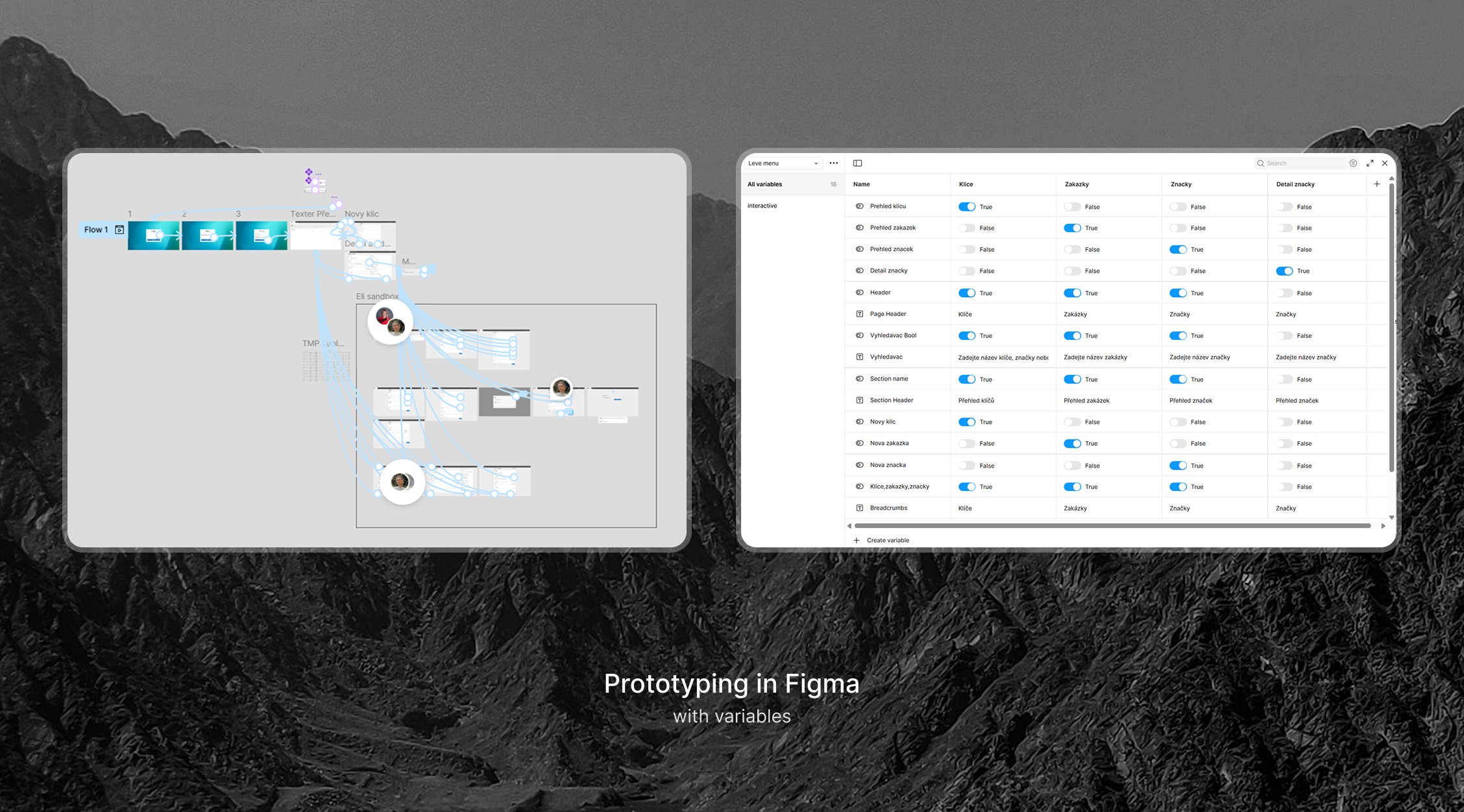
This project taught me how to build an interface almost entirely from scratch and design for several different user roles at the same time. I learned to identify the most essential functionality, prioritize effectively, and make confident decisions even under tight deadlines.
result.
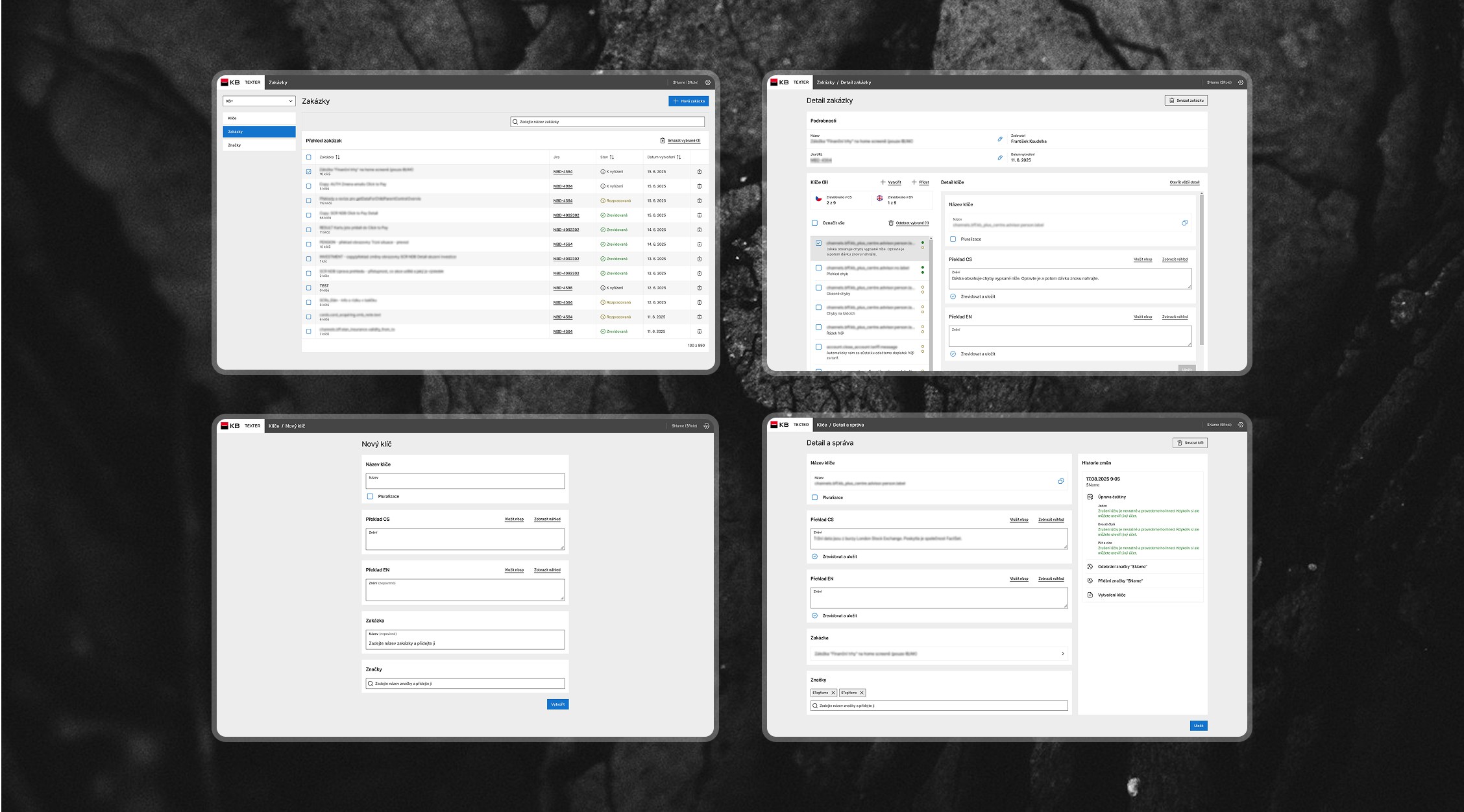
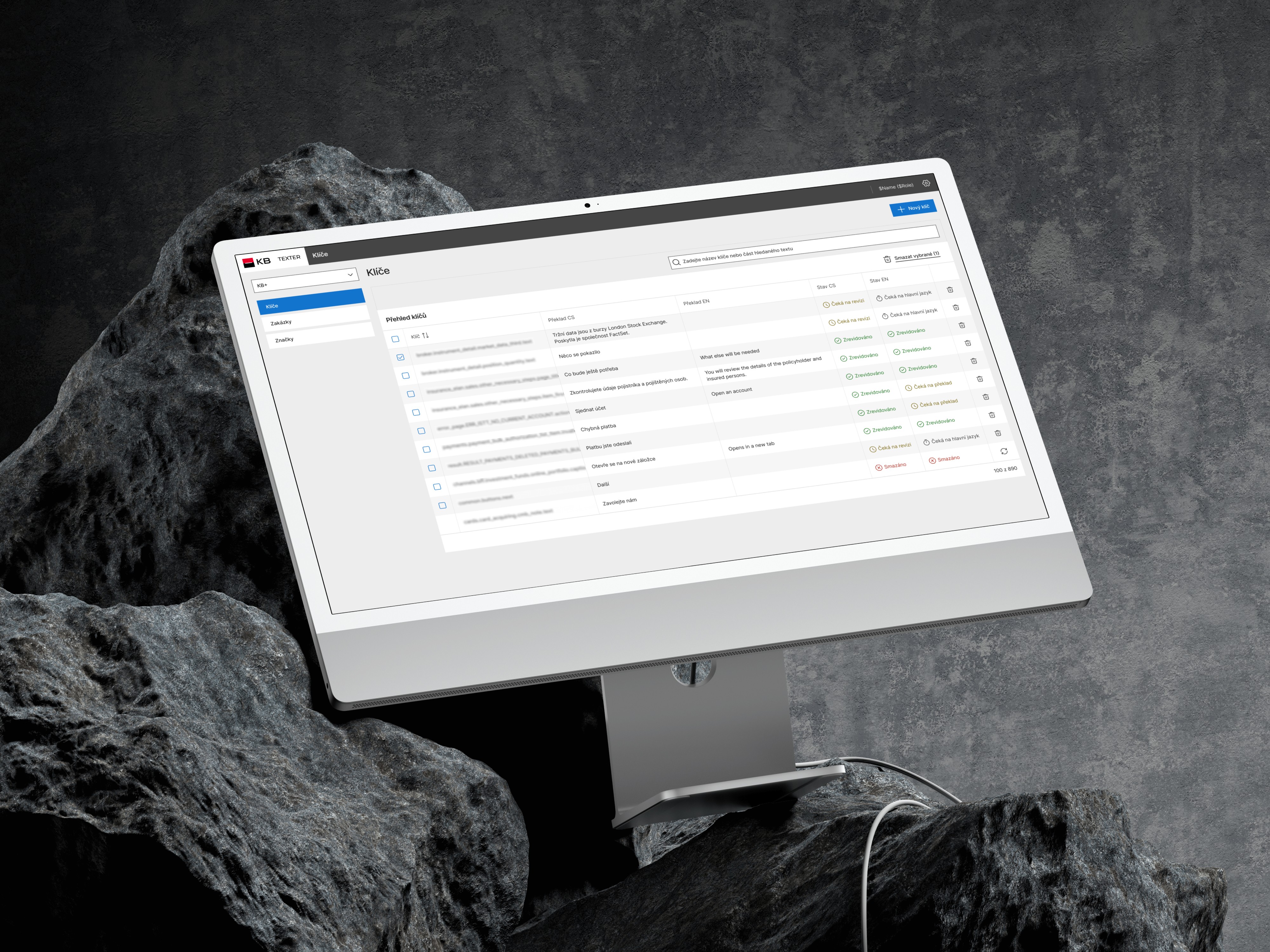
The final solution is a simple dashboard with three main tabs — Keys, Jobs, and Tags. Each tab supports quick search, sorting, and a clear “Create” action. The interface adapts to user roles: people see only the functions they need, while the rest are hidden or disabled to avoid mistakes.
The design follows the internal design system, with only a few new components added, and the project was completed within the planned budget and timeline.